Calendar
-
Week 16 P2 Reviews Week 2 12/16
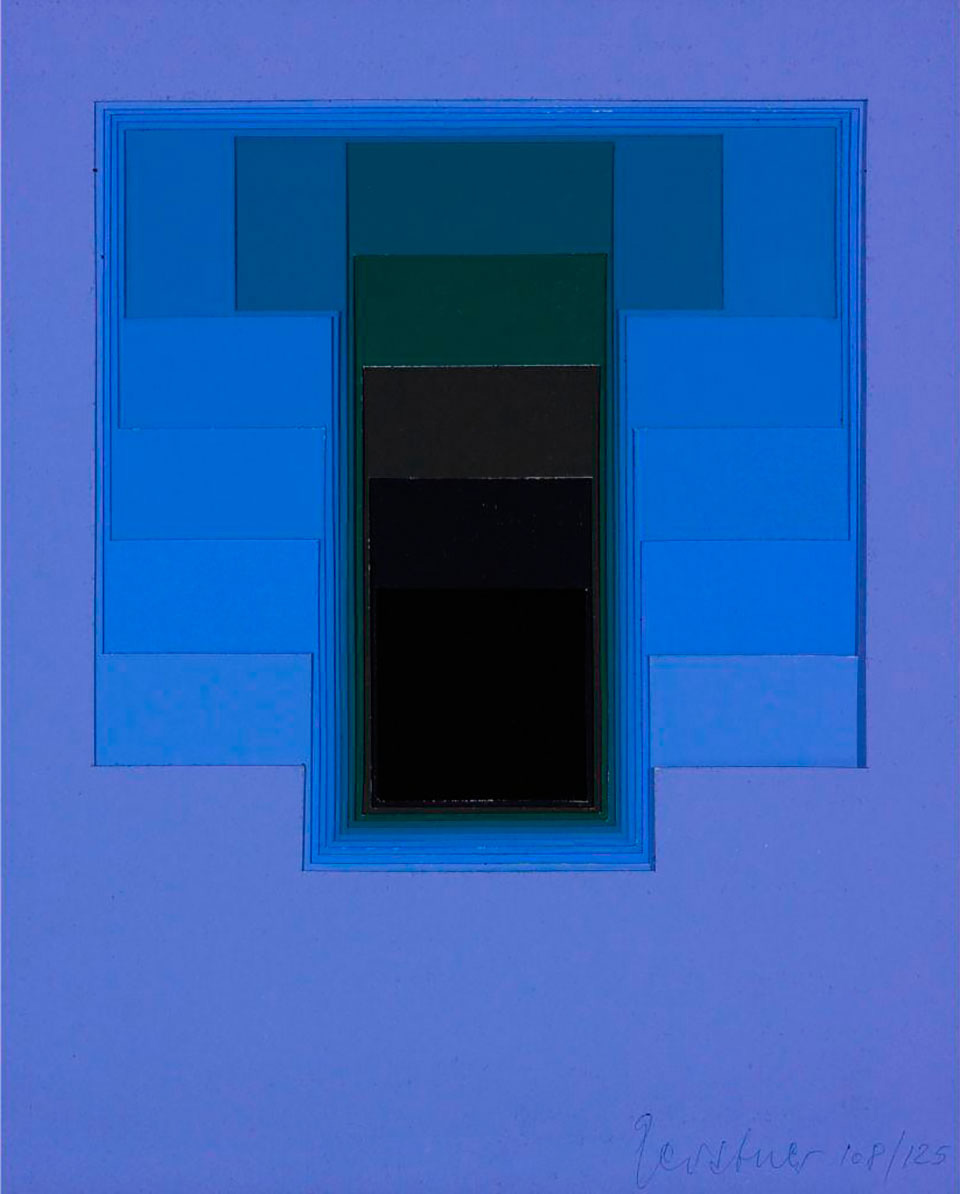
Composition by Karl Gerstner
- P2 Drawing Machine (artificial) Final Presentations week 2
- Check the class document for more details on critique format
- Class Exhibition Update
- Please submit a class archive to Chris (chamamoto@snu.ac.kr), Dong Gun (donggunkim93@snu.ac.kr) and Marla (mina_1230@snu.ac.kr) via WeTransfer by Dec 19. This should include photos / screenshots / screen recordings, a short description of your project, and any presentation materials you shared before (PDF, etc.)
- For those participating, prepare your work for the class exhibition December 19-21
- P2 Drawing Machine (artificial) Final Presentations week 2
-
Week 15 P2 Reviews Week 1 12/09
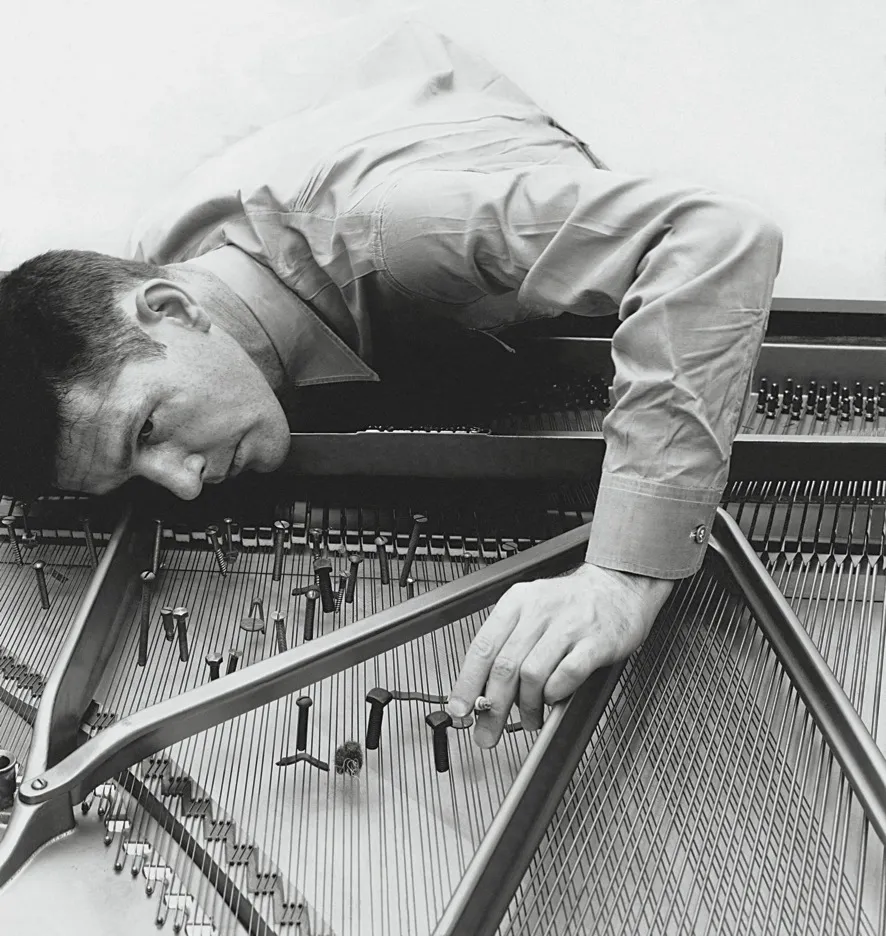
John Cage preparing a piano, in 1947 (photo via the New Yorker)
- P2 Drawing Machine (artificial) Final Presentations week 1
- Check the class document for more details on critique format
- Class Exhibition Update
- For those presenting during week 2 of final presentations, finalize you P2 Drawing Machine (artificial)
- Please submit a class archive to Chris (chamamoto@snu.ac.kr), Dong Gun (donggunkim93@snu.ac.kr) and Marla (mina_1230@snu.ac.kr) via WeTransfer by Dec 19. This should include photos / screenshots / screen recordings, a short description of your project, and any presentation materials you shared before (PDF, etc.)
- P2 Drawing Machine (artificial) Final Presentations week 1
-
Week 14 Nodes pt 2 12/02
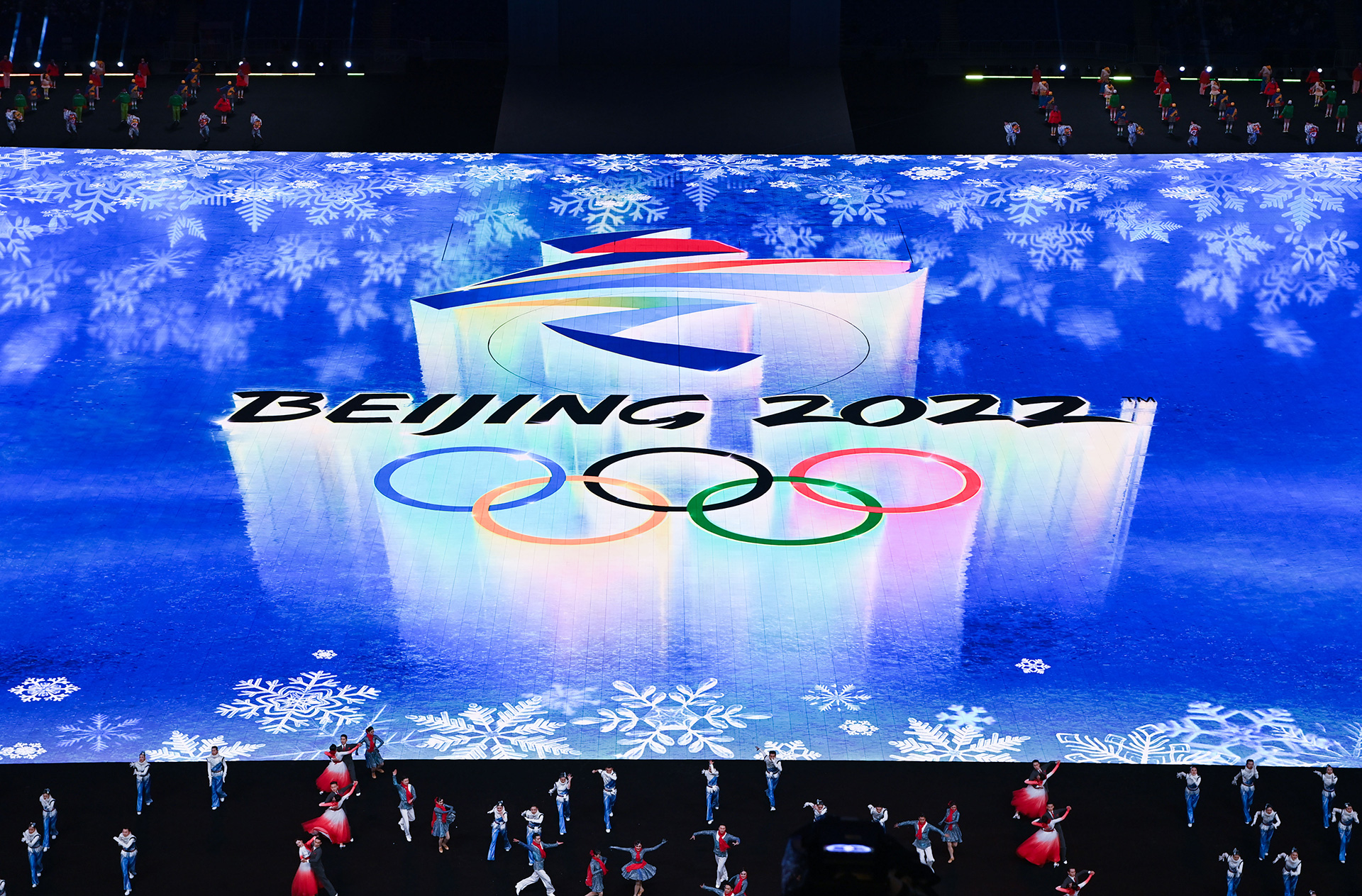
Beijing Olympics Opening Ceremony effects by CaoYuxi developed with TouchDesigner to simulate the environment
- Note: Class starts today at 3pm due to graduation show review
- TouchDesigner Demo pt 2
- Please download TouchDesigner and sign up for a non-commercial (free) license
- Meet in small groups to discuss P2 Drawing Machine (artificial) Step 3: Rough Draft
- Exhibition Update and AxiDraw Demo
- P2 Drawing Machine (artificial) Step 4: Final Presentation pt. 1
- For those who want to present their final projects on 12.16 it is also an option. Sign up in the class Google doc
-
Week 13 Nodes 11/25
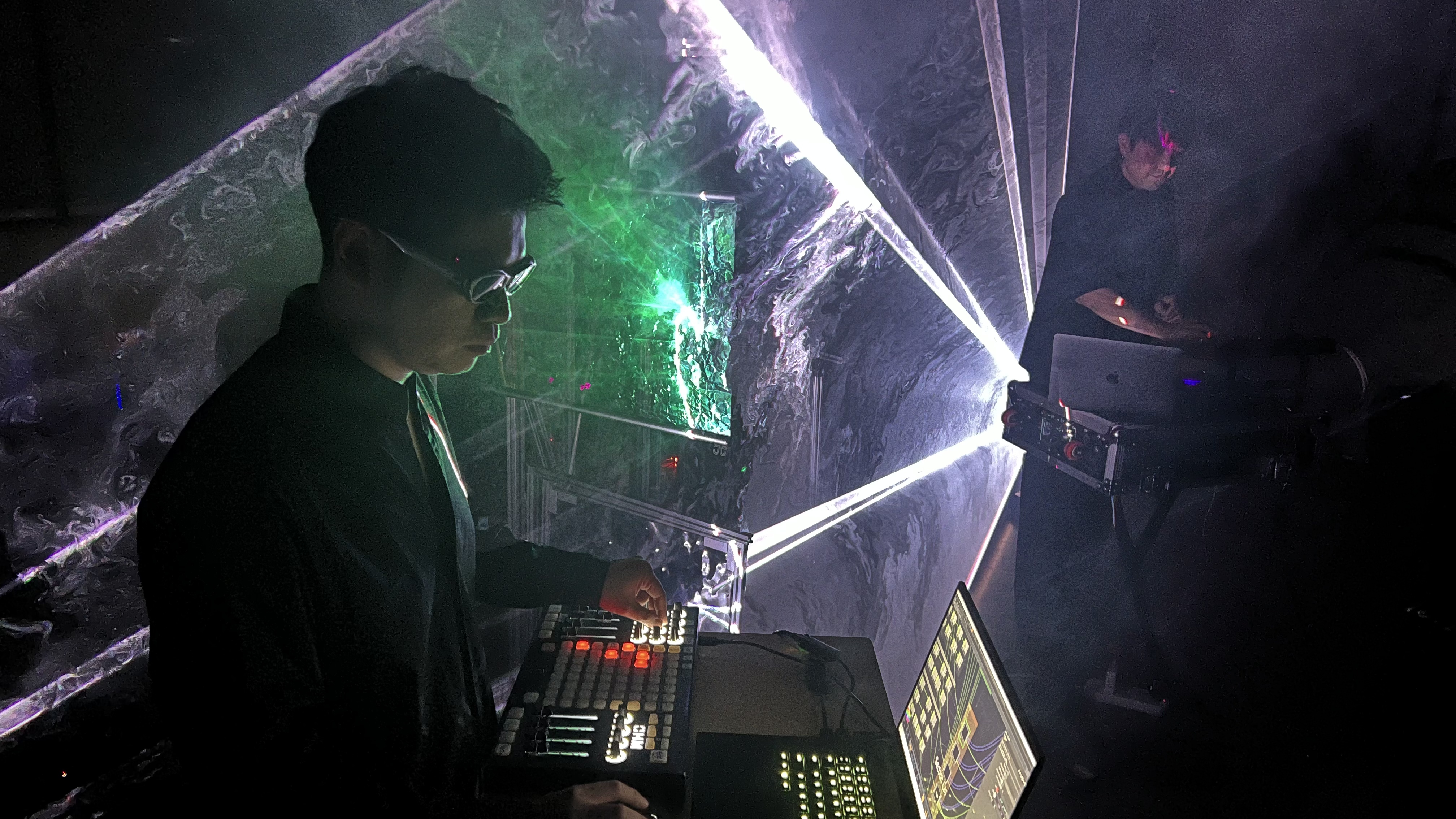
Jimmz Zhang - live performance using TouchDesigner
- TouchDesigner Demo
- Please download TouchDesigner and sign up for a non-commercial (free) license
- Meet in small groups to discuss P2 Drawing Machine (artificial) Step 2: Sketches
- P2 Drawing Machine (artificial) Step 3: Rough Draft
- Try to get to an 85% completed project!
- Note: Class will start at 3pm due to graduate project presentations
- TouchDesigner Demo
-
Week 12 Exhibiting Interaction 11/18
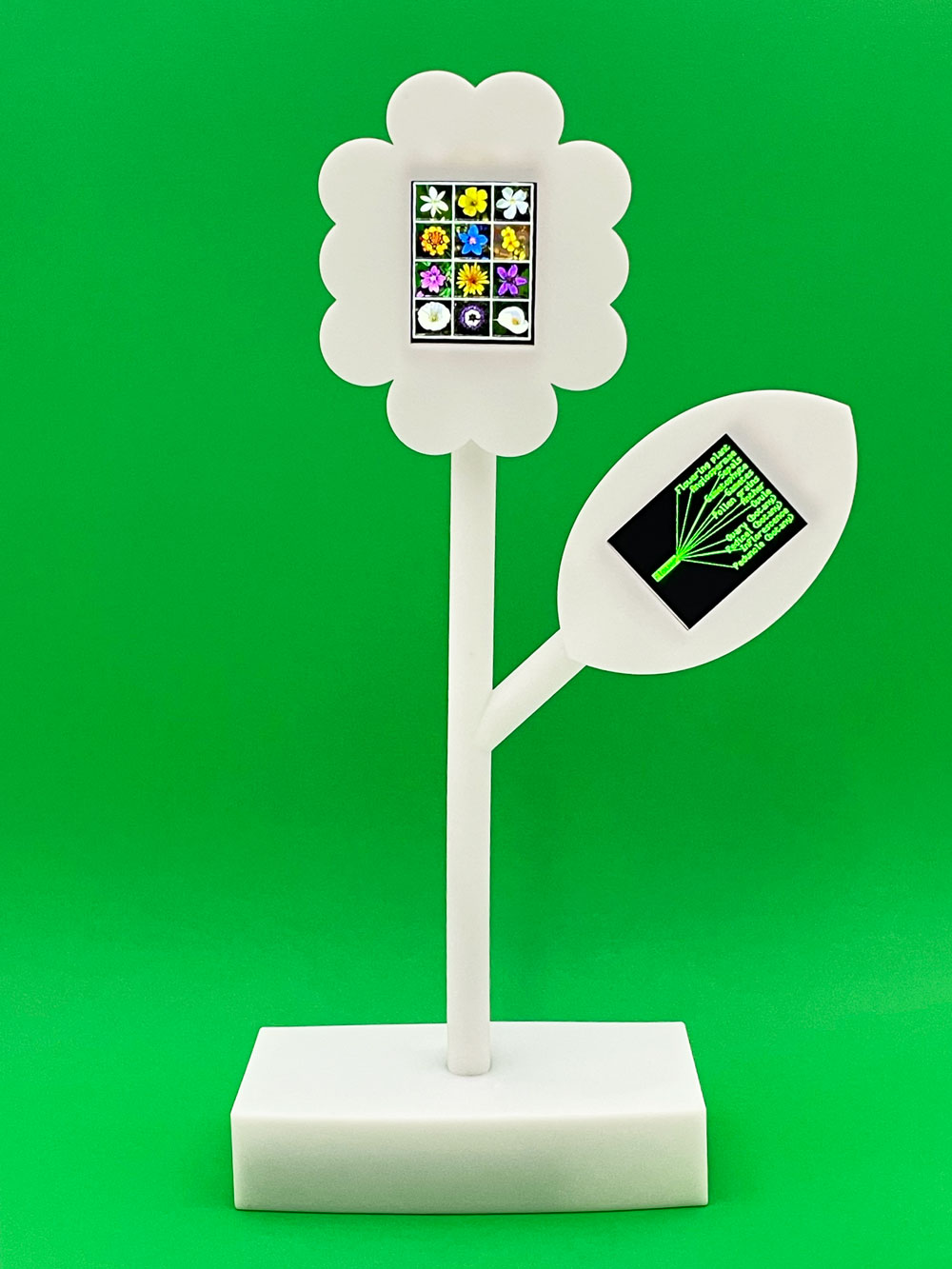
Hyperflower, Shaheer Tarar
- Discuss Class Exhibition
- Meet in small groups to discuss P2 Drawing Machine (artificial) Step 1: Experiment Design
- P2 Drawing Machine (artificial) Step 2: Sketches
- Bring in the first result of your experiments – we can think of these at the "sketches" of your concept
-
Week 11 Fonts 11/11
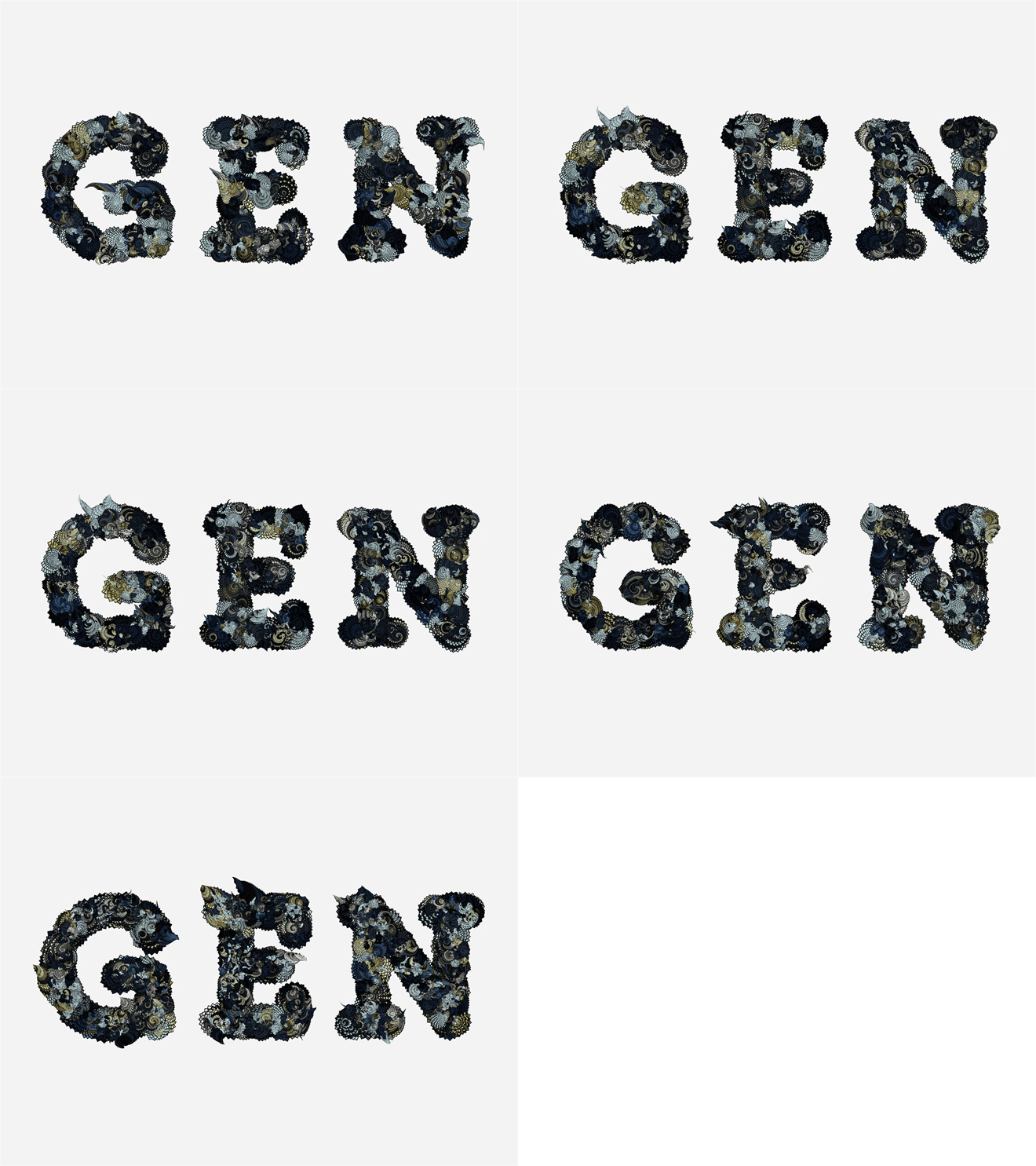
GEN, Kyuha Shim
- Exercise: Font Paths
- Meet in small groups to discuss your AI Research
- Draw 10 circles in 10 ways using AI
- P2 Drawing Machine (artificial) Step 1: Experiment Design
- Consider how you can take your drawing machine concept and "enhance" it with AI. Think of two concepts in the form of experiments (a hypothesis on what AI can do with your concept, and a proposal for how you will test it). Make a short slideshow (~5 minutes) introducing these experiments to share with your classmates
-
Week 10 P1 Review 11/03
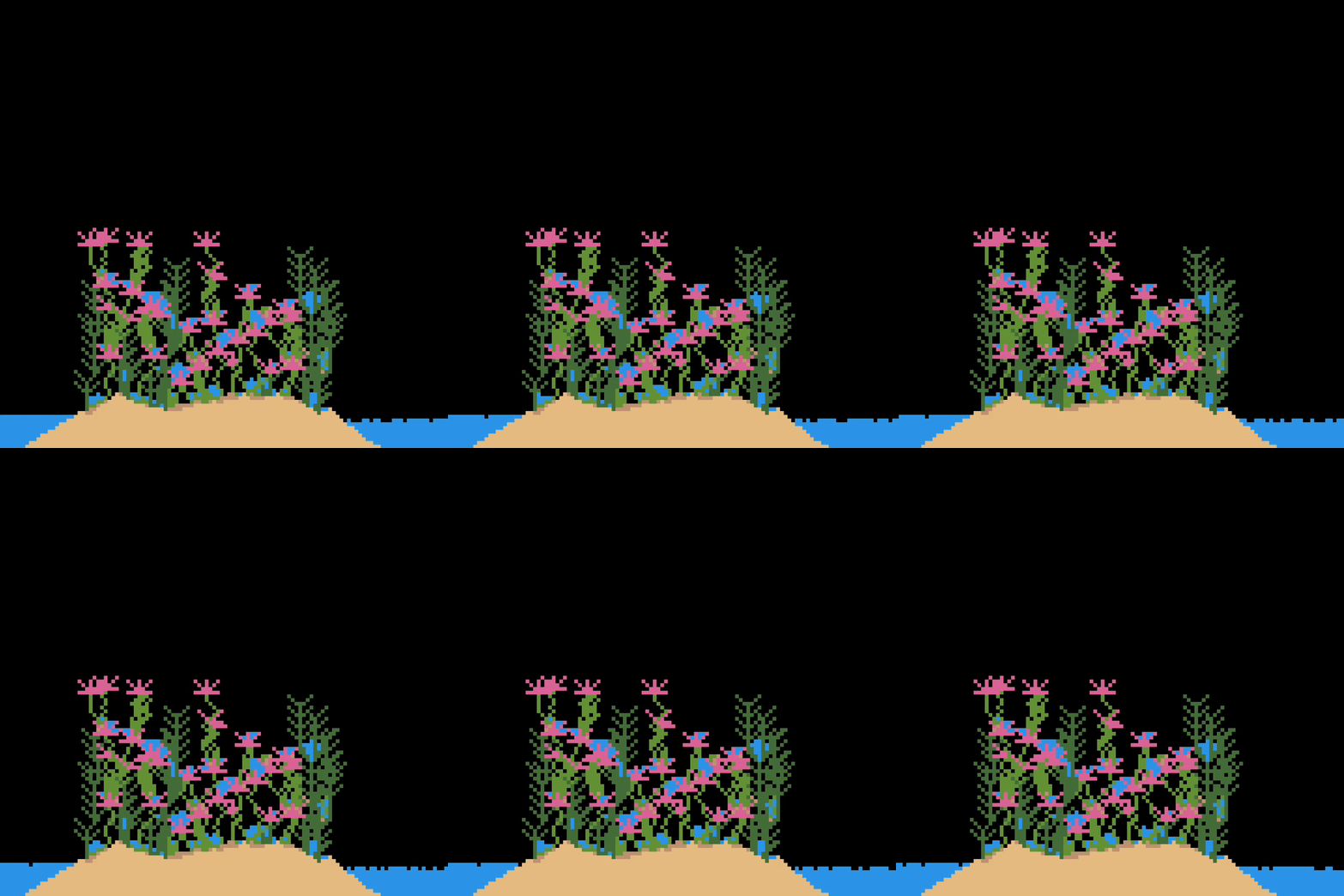
SANDBOX: Multiplayer falling sand game, 2021–, Shaheer Tarar
- Meet in groups to review your P1 Drawing Machine
- Go to one talk at IDCC, and share a question for a speaker via IDCC's instagram page (you can do before the event if you'd like, they will post on their stories a request)
- Research one of the AI softwares from this list and be prepared to share next class
- Test your chosen software's capabilities for visual outcomes. Be prepared to share your visual tests, a short description of the software, and 2-3 bullet points about the software with your classmates.
-
Week 9 No Class 10/28
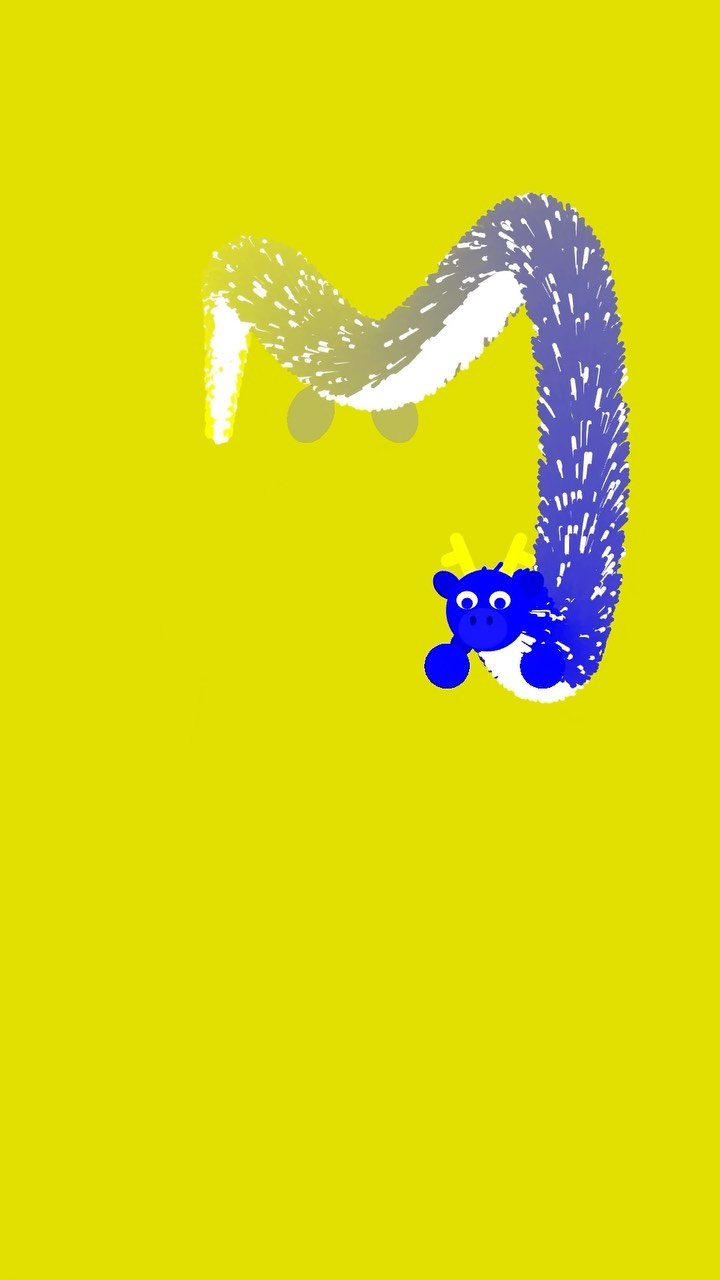
Changing the rotating rail - Blue Dragon, Doodlefingers
- Optional class due to weekend workshop with Jeonghyo (Doodlefingers), contact Chris if you'd like to meet
- Continue making progress on your P1 Drawing Machine and be prepared to share the final on Nov 4
-
Week 8 No Class 10/21
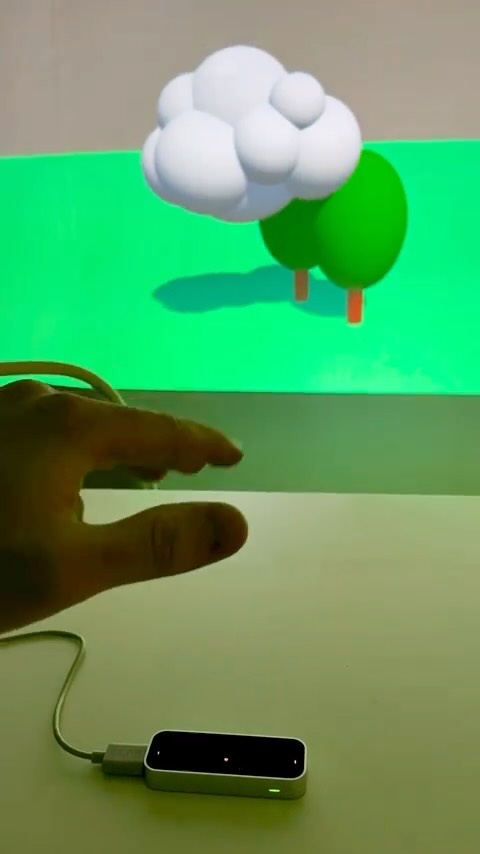
Lip Motion Gesture Interaction Test for the SDF Exhibition, Doodlefingers
- Optional class due to weekend workshop with Jeonghyo (Doodlefingers), contact Chris if you'd like to meet
- Please meet in room 215 from 1:30 - 6:30pm, Saturday October 25, and Sunday October 26
- Continue making progress on your P1 Drawing Machine and be prepared to share the final on Nov 4
-
Week 7 Events 10/14
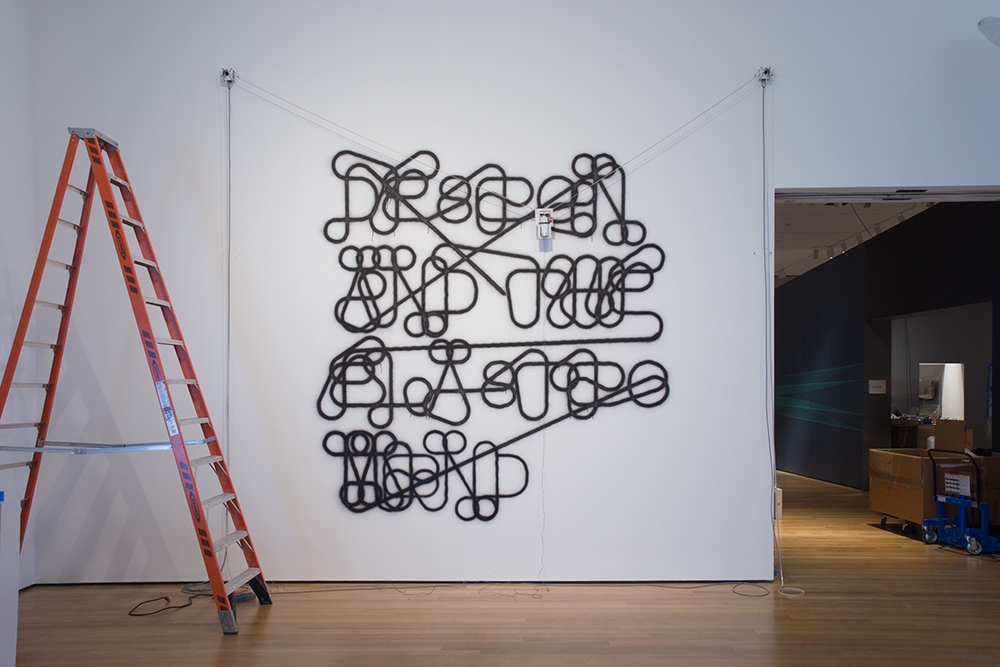
Hektor, Jürg Lehni
- Share your P1 Step 3: Sketch Instructions in small groups
- Exercise: Brush
- Share outcomes from exercise: Moving Pattern
- Continue making progress on your P1 Drawing Machine and share a rough draft by next class (to be reviewed asynchronously via Google doc / in optional 1:1 meetings)
- Please create a p5.js account to use the web editor on the website in preparation for the workshop
- Reminder: there won't be class next week on October 21 due to the weekend workshop with Doodlefingers!
-
Week 6 Chuseok 10/07

Spam Gift Set (image from www.hormelfoods.com)
- Reminder: No class today – have a happy Chuseok Holiday!
- Based on the feedback from your "Subject Proposal" complete P1 Step 3: Sketch Instructions and bring in your instructions with 2 or more "sketches" you made by next class
-
Week 5 Loops 09/30
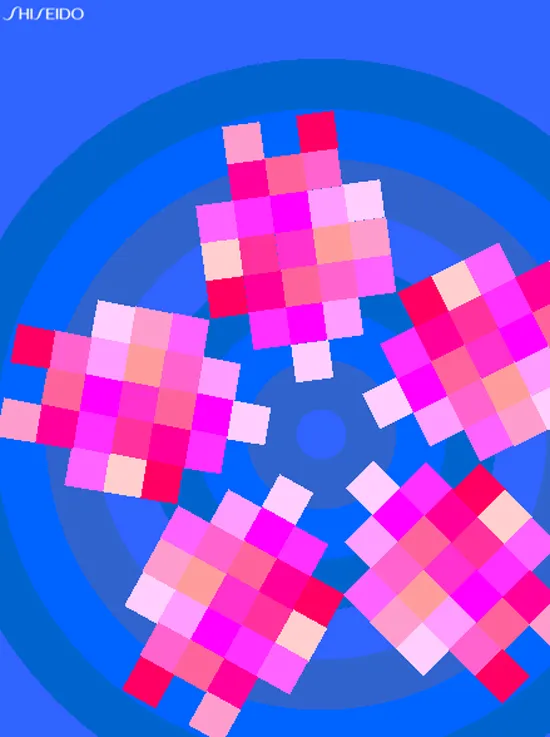
Oikake Zakura, John Maeda, 1998
- Share your P1: Subject proposal in small groups
- Exercise: Moving Pattern
- Share outcomes from exercise: Gatcha
- Based on the feedback from your "Subject Proposal" complete P1 Step 3: Sketch Instructions and bring in your instructions with 2 or more "sketches" you made by following them on October 14
- Reminder: there won't be class next week on October 7 due to the Chuseok holiday
-
Week 4 Buk-Seoul Museum of Art Visit 09/23
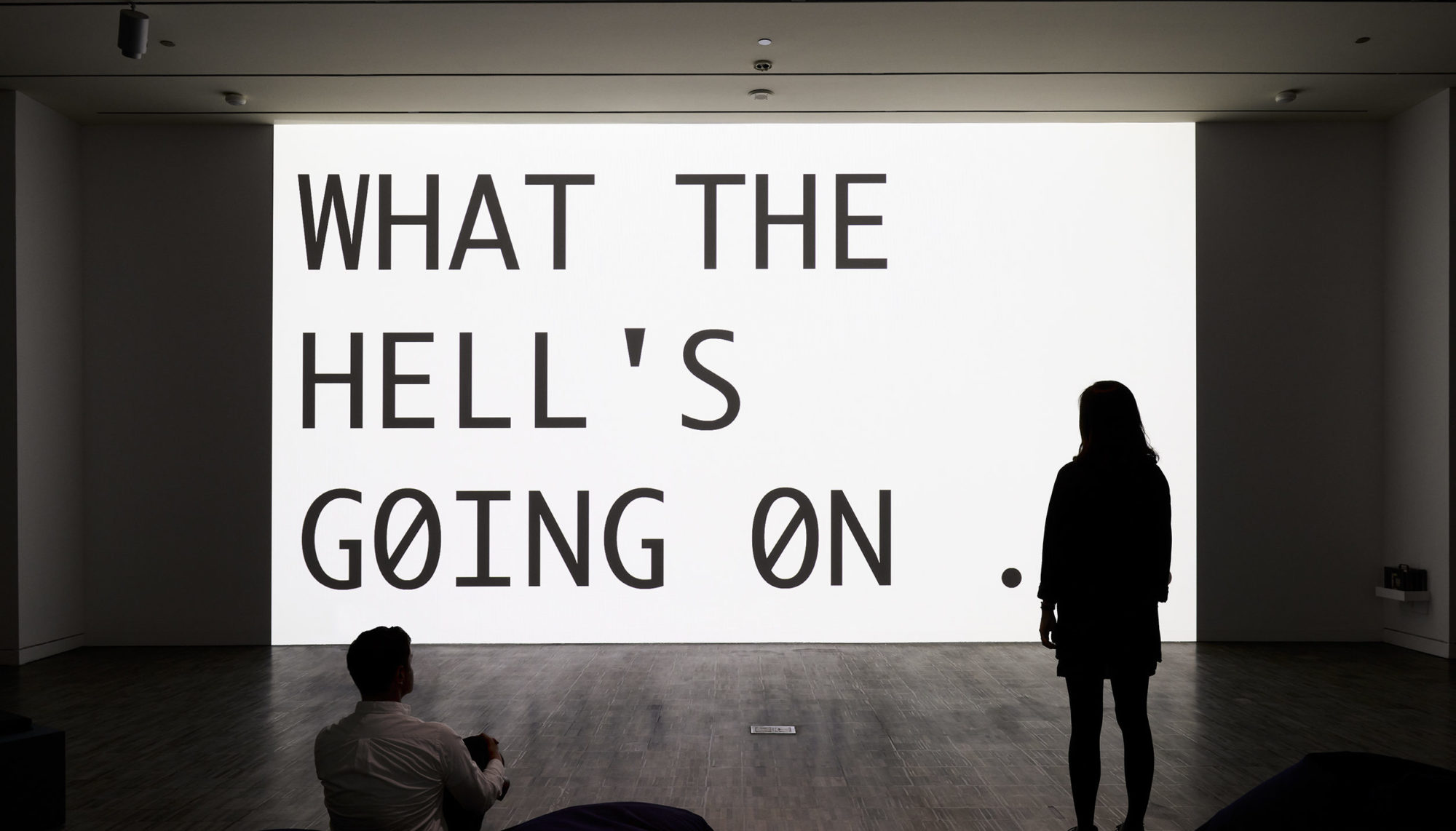
Young-Hae Chang Heavy Industries, 2017, installation view, Adobe Flash animation
- Meet at Buk-Seoul Museum of Art at 3:30pm for tour of 2025 Title Match YOUNG-HAE CHANG HEAVY INDUSTRIES vs. HONG JIN-HWON: NO MIDDLE GROUND with Yoo Eunsoo
- Share a status update – a short written update with optional supporting images – about your P1 Step 2: Subject proposal via the class Google Doc. I will randomly put you in groups to share written feedback by the end of the day on Friday Sept 26 with your group members
- In all of your feedback you should include one reference for how your groupmate may draw/visualize their proposal
- Consider your groupmates written feedback and develop your P1 Step 2: Subject proposal to share in-class on Sept 30
-
Week 3 Variables 09/16
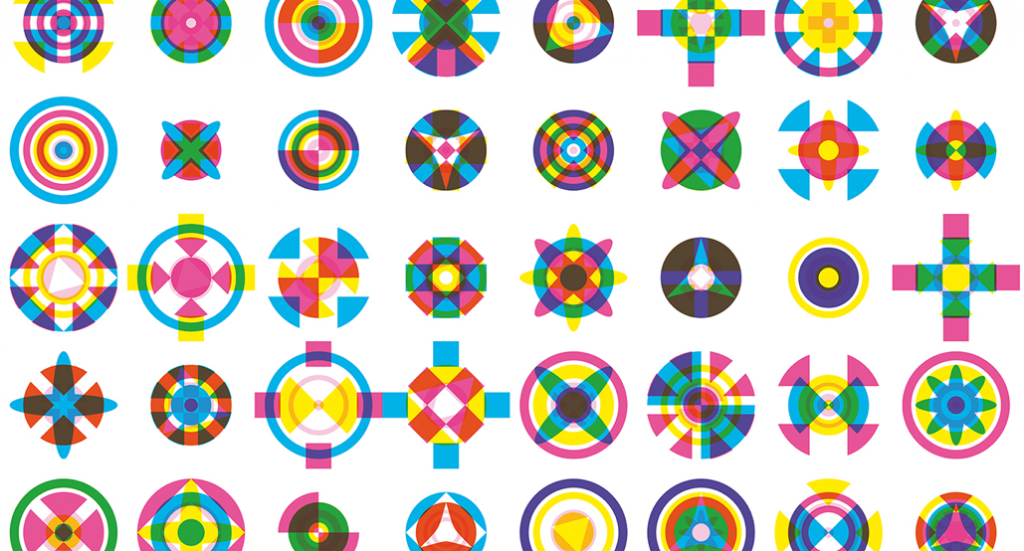
Detail of Karel Martens Icon Viewer, 2017
- Share exercise: Drawing Mickey
- In small groups discuss P1 Step 1 (Draw 10 circles 10 different ways)
- Gather one set of drawings from each students and share your group's work with the whole class
- Exercise: Gatcha
- Continue your daily visual journaling and begin thinking about your P1 Step 2: Subject proposal which you will share in class next time we meet at SNU on 9.30
- Meet at 3:30pm at SeMA for a tour of Young-Hae Chang Heavy Industries
-
Week 2 x, y 09/09
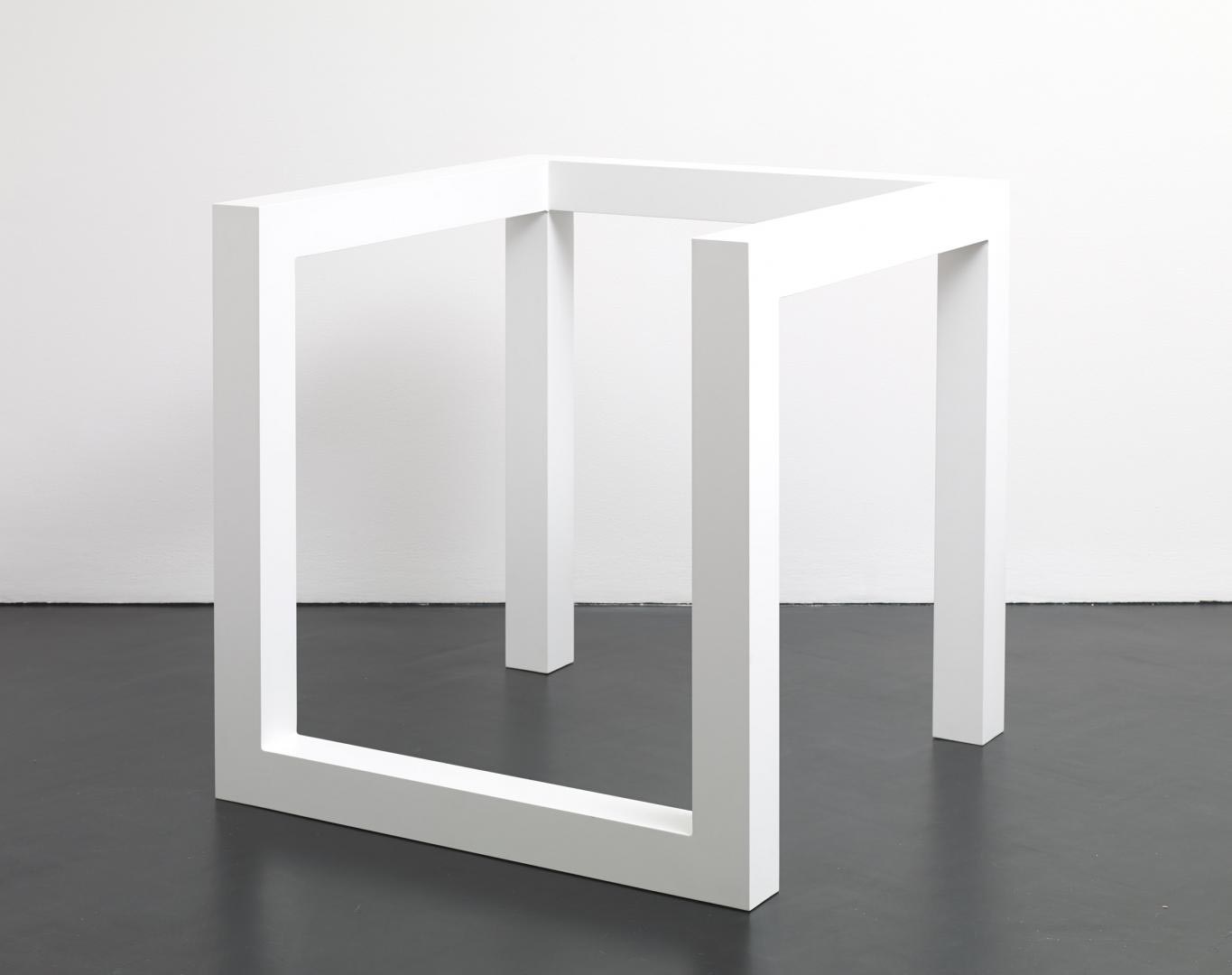
Variations of Incomplete Open Cubes, Sol LeWitt
- Talk about survey results
- Discuss What is Code? in small groups and share your thoughts with the class
- Share your P1 Step 0 Visual Journaling methods in small groups then discuss with the class
- Exercise: Drawing Mickey
- Talk: 10 Circles, 10 Ways
- P1 Step 1 (Draw 10 circles 10 different ways)
- Continue your daily visual journaling and begin thinking about your P1 Subject proposal
-
Week 1 Welcome 09/02
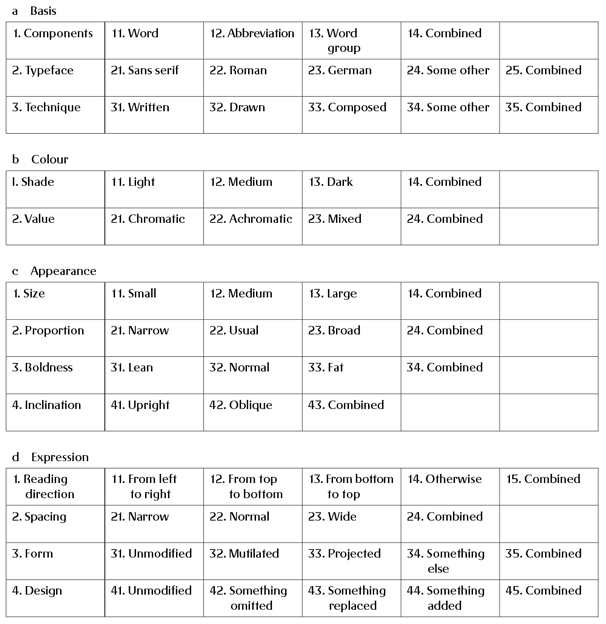
The morphological box of the typogram, Karl Gerstner
- Introductions and Class overview
- Talk: What is Computation (in this class)?
- Do Class Survey
- Pair Drawing Exercise
- Intro to P1: Drawing Machine
- Read What is Code? by Casey Reas, Chandler McWilliams, and LUST and prepare 3 questions/discussion points for next class